
Download Firewall Builder – Free Cross‑Platform Firewall Configuration Tool
Overview
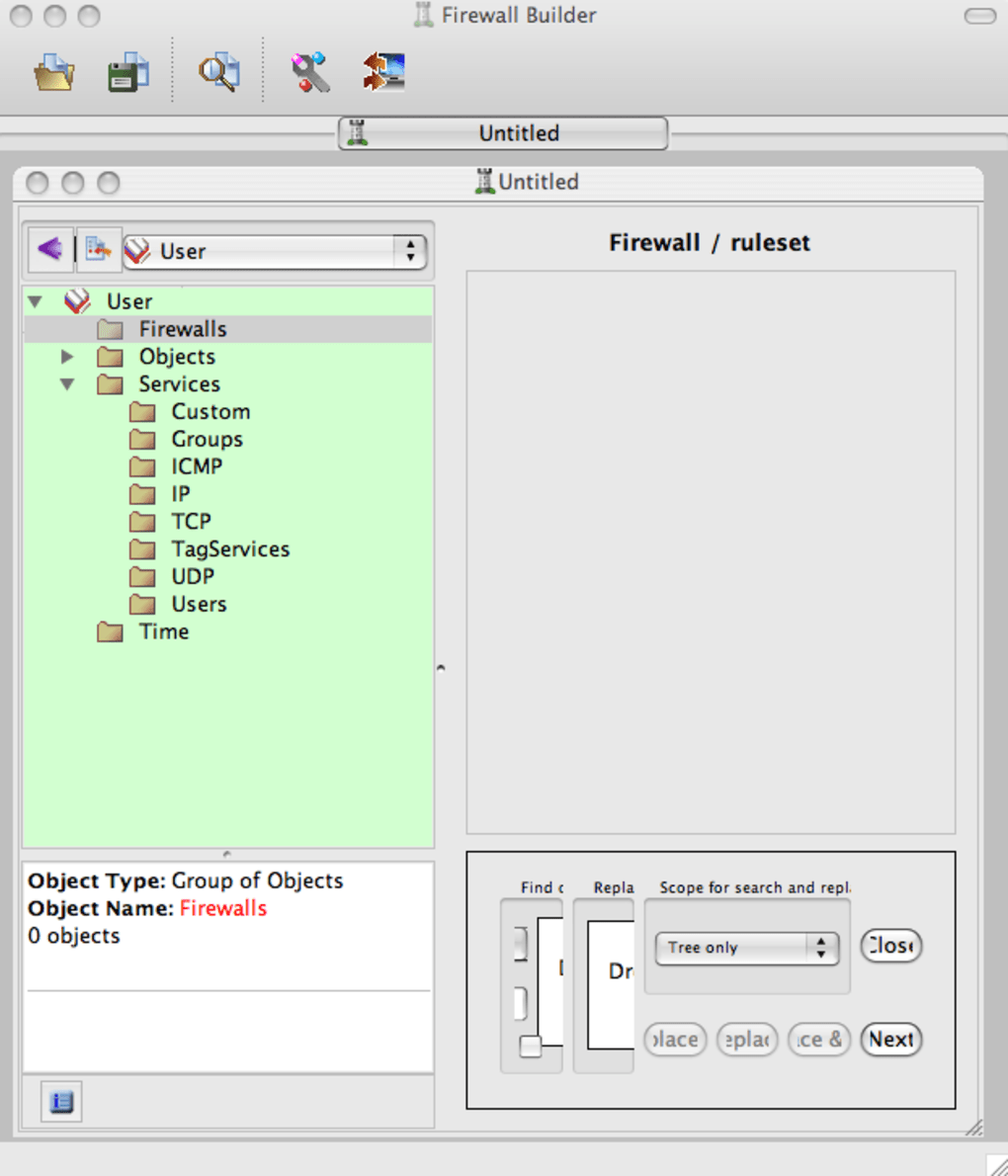
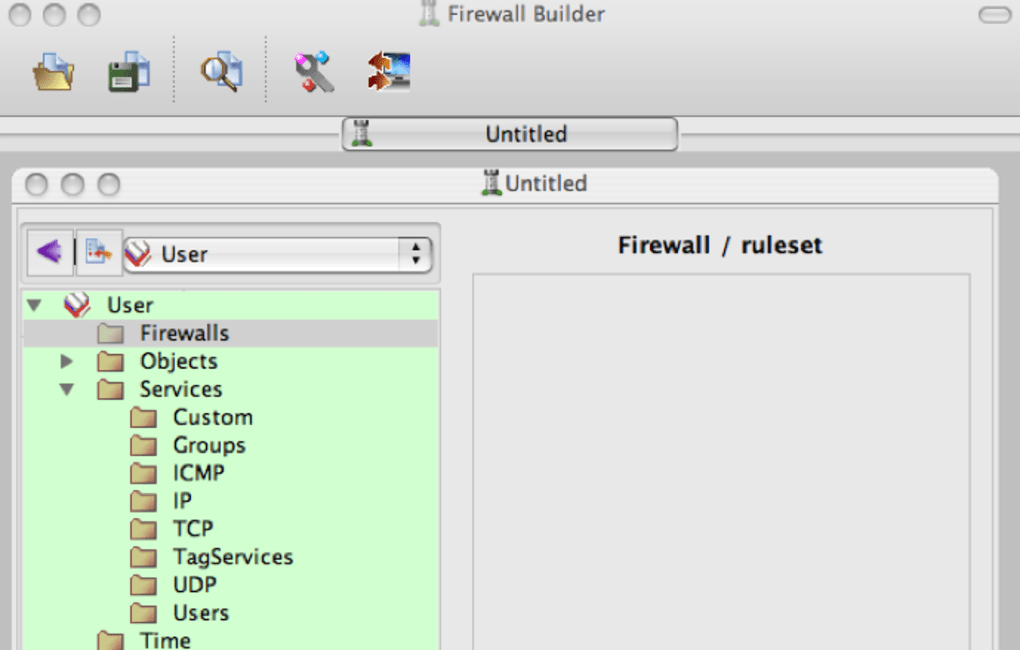
Firewall Builder is a powerful, multi‑platform firewall configuration and management suite designed for network administrators who need to handle complex rule sets across several firewall vendors. Unlike basic, point‑and‑click firewalls, this tool offers a graphical interface combined with a set of compilers that translate a central policy database into native configurations for iptables, ipfilter, OpenBSD PF, Cisco PIX, and Cisco IOS extended access lists. The application targets seasoned professionals—people who already understand concepts such as NAT, stateful inspection, and packet filtering—yet it streamlines repetitive tasks by letting you drag, drop, and organize rules in a visual hierarchy.
Because it stores policies in a single database, you can manage multiple firewalls from one console, making large‑scale deployments far less error‑prone. While the macOS look‑and‑feel feels borrowed from its Windows counterpart, the underlying engine is truly cross‑platform, running on Windows, macOS, and various Linux distributions. Recent updates have resolved critical crashes that occurred when creating or renaming firewall objects, stabilizing the UI for everyday use.
If your organization runs mixed‑vendor environments and you need a reliable, script‑able way to keep firewalls synchronized, Firewall Builder is worth the learning curve.
Key Features and Capabilities
- Multi‑Vendor Support: Generates native configuration files for iptables, ipfilter, OpenBSD PF, Cisco PIX, and Cisco IOS.
- Central Policy Database: One repository stores all rule sets, allowing simultaneous editing of multiple firewalls.
- Drag‑and‑Drop Rule Builder: Visual editor lets you arrange objects, zones, and rules without manually writing code.
- Object‑Oriented Architecture: Reusable objects such as networks, services, and hosts reduce duplication and improve consistency.
- Version Control Integration: Exported policies can be stored in Git or SVN for change tracking and rollback.
- Extensive Scripting Engine: Python and Perl hooks enable automation of bulk rule generation and custom validation.
- Robust Documentation: A detailed user guide covers everything from basic concepts to advanced compiler options.
- Cross‑Platform GUI: Native installers for Windows, macOS, and Linux ensure a consistent experience across environments.
- Secure Export/Import: Encrypted policy files protect sensitive rule sets during transfer.
- Active Community & Support: Bug‑tracking system, mailing lists, and regular releases keep the project up‑to‑date.
The feature set reflects a focus on enterprise‑level control rather than casual home use. For example, the object‑oriented approach allows you to define a “Web Server” object once and reference it across dozens of firewalls, automatically updating all related rules when the server’s IP changes. The built‑in compiler checks for syntax errors before deployment, reducing the risk of accidental lock‑outs. While the interface may look dated on macOS, the underlying functionality is modern, supporting the latest firewall vendor releases and IPv6. This combination of depth and flexibility makes Firewall Builder a niche but indispensable tool for security teams that manage heterogeneous networks.
Installation, Usage, and Compatibility
Installing Firewall Builder is straightforward on supported operating systems. Below are the typical steps for Windows, macOS, and Linux:
- Download the installer: Visit the official website and choose the appropriate package (EXE for Windows, DMG for macOS, TGZ for Linux).
- Run the installer: Follow the on-screen wizard. On macOS, you may need to allow the application in System Preferences → Security & Privacy because it is not notarized.
- Launch the application: The first run prompts you to create a new policy database or open an existing one.
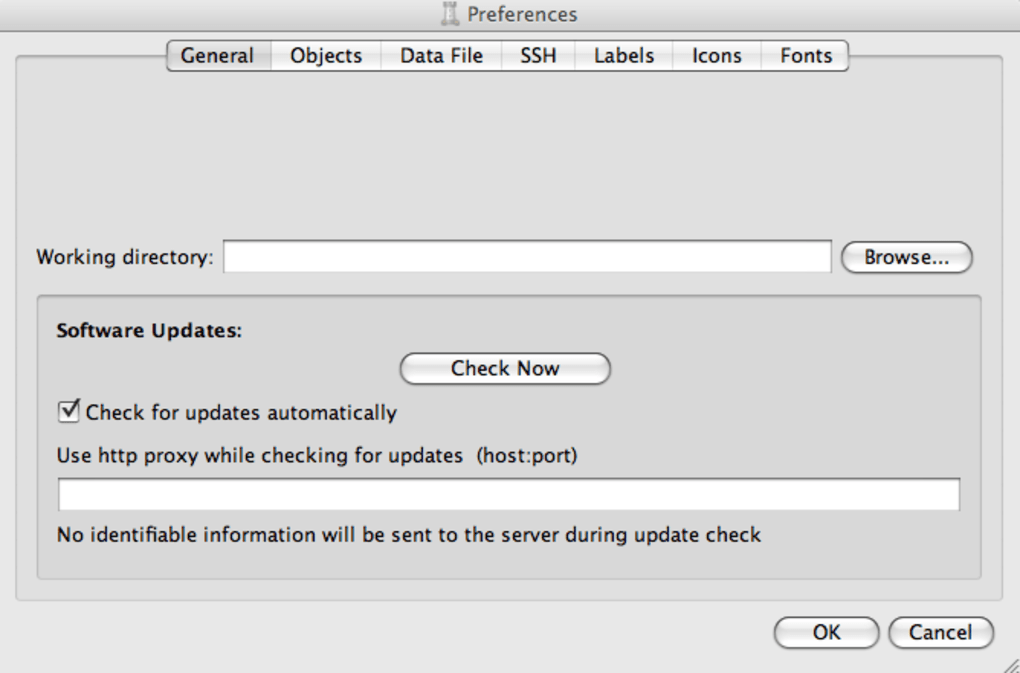
- Configure compilers: In the settings menu, select the target firewalls (e.g., iptables, Cisco PIX) and provide the path to the corresponding compiler binaries.
- Build rules: Use the drag‑and‑drop canvas to add zones, hosts, and services. Assign policies to each firewall object and validate.
- Export configuration: Click “Generate” to produce native rule files, then copy them to the respective firewall devices via SSH, TFTP, or console access.
Supported Operating Systems: Windows 10/11 (64‑bit), macOS 10.13 or later, and major Linux distributions such as Ubuntu 20.04+, Debian 11, Fedora 34+. The application requires at least 2 GB of RAM and 200 MB of disk space for the core binaries; additional storage is needed for policy databases and exported configurations.
The recent bug‑fixes (issues #2395 and #2396) eliminated crashes that occurred when users edited newly created firewall objects, ensuring a smoother experience during policy creation. Because the tool is written in C++ and uses the Qt framework, updates are delivered as full installers rather than incremental patches, which simplifies version management for administrators. Remember to back up your policy database regularly—either manually or via the built‑in export feature—to avoid data loss during upgrades.
Pros, Cons, and Frequently Asked Questions
Pros
- Comprehensive multi‑vendor support reduces the need for separate configuration tools.
- Centralized policy database simplifies management of large firewall fleets.
- Powerful scripting and version‑control integration enable automation and audit trails.
- Free and open‑source, with regular community‑driven updates.
- Extensive documentation helps users climb the learning curve.
Cons
- Steep learning curve; not suitable for beginners or small home networks.
- macOS UI feels transplanted from Windows, lacking native look‑and‑feel.
- Heavy reliance on command‑line compilers; occasional path configuration issues.
- No built‑in firewall testing sandbox; users must validate rules on actual devices.
- Support is community‑based, which may delay critical issue resolution for enterprise users.
Frequently Asked Questions
Is Firewall Builder free to use?
Yes, Firewall Builder is released under the GPL license, which means you can download, use, and modify it at no cost.
Can I manage both IPv4 and IPv6 rules?
Absolutely. The application supports dual‑stack environments and allows you to define separate IPv4 and IPv6 objects within the same policy.
Do I need to install additional compilers for each firewall type?
The core package includes compilers for iptables, ipfilter, and OpenBSD PF. For Cisco PIX and IOS you must install the respective command‑line tools provided by Cisco.
How does Firewall Builder handle backups?
You can export the entire policy database as an encrypted XML file. This file can be stored on any secure backup medium or version‑controlled repository.
Is there a mobile app for managing firewalls on the go?
Currently there is no dedicated iOS or Android client. Administrators typically use SSH or a web‑based console on the firewall devices themselves for remote changes.
Conclusion – Should You Download Firewall Builder?
Firewall Builder remains one of the few truly cross‑platform solutions that can generate native configurations for a wide array of firewall vendors. Its strength lies in the centralized policy model, extensive scripting capabilities, and the fact that it’s free and open‑source. However, the tool assumes a solid foundation in firewall theory, and its macOS interface may feel out of place for users accustomed to native Apple design. If your organization runs mixed firewall environments, requires rigorous change management, and has staff comfortable with command‑line compilers, the investment in learning Firewall Builder will pay off in reduced configuration errors and faster deployment cycles. For smaller teams or beginners, a simpler, GUI‑only firewall app may be a better starting point.
Ready to streamline your firewall management? Download Firewall Builder now and start building secure, consistent policies across all your network devices.
Firewall Builder delivers enterprise‑grade capabilities at no cost, but its steep learning curve and dated macOS UI keep it from being a universal solution. Ideal for seasoned admins who need to manage multiple firewalls from a single console.







